Clean skills report
Extract tech + soft skills from selected text with normalized names.
Select any job description text, analyze it, and get a clean report of tech + soft skills to tailor your résumé with the right keywords.
Everything you need to extract, prioritize, and apply.
Extract tech + soft skills from selected text with normalized names.
See which skills appear most often so you know what to emphasize.
Export a CSV report and update your résumé faster with real keywords.
Three steps, no complexity.
What you see inside the extension popup.
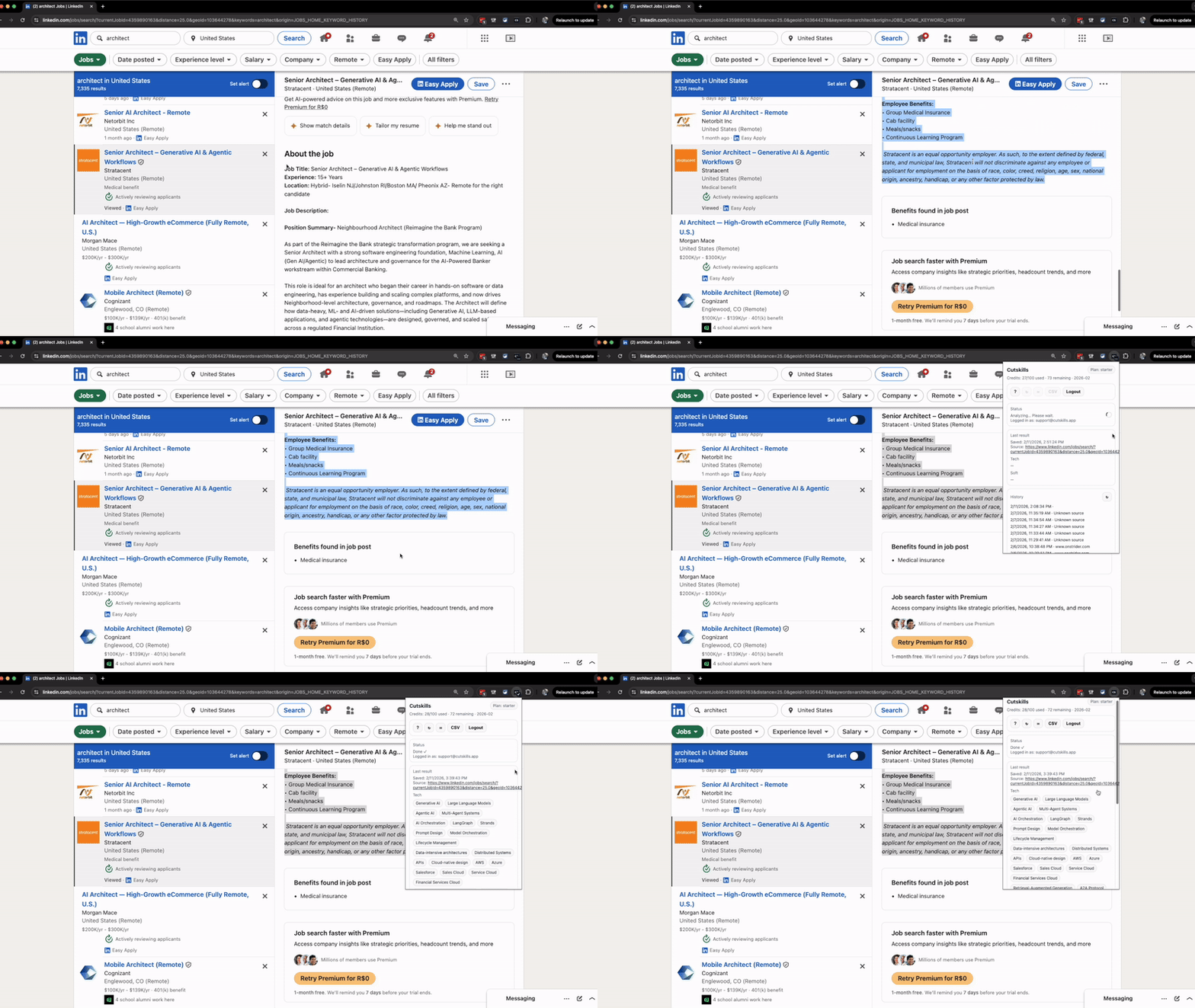
Start free. Upgrade when you want higher limits and unlimited history.
Install the extension first, then subscribe with the same email.
Short answers to the questions that block upgrades.
By default, the workflow is optimized to store extracted skills + metadata, not full job text.
Yes. You keep access until the end of your billing period.
Sign in inside the extension popup using a magic link.
Yes. You can switch plans, and Stripe handles billing changes.
Install → analyze your first job post → export.